

The MacBook Pro is known for its design, performance, and reliability. However, even high-end devices can experience issues that disrupt productivity.
What is the Orange Screen Phenomenon?
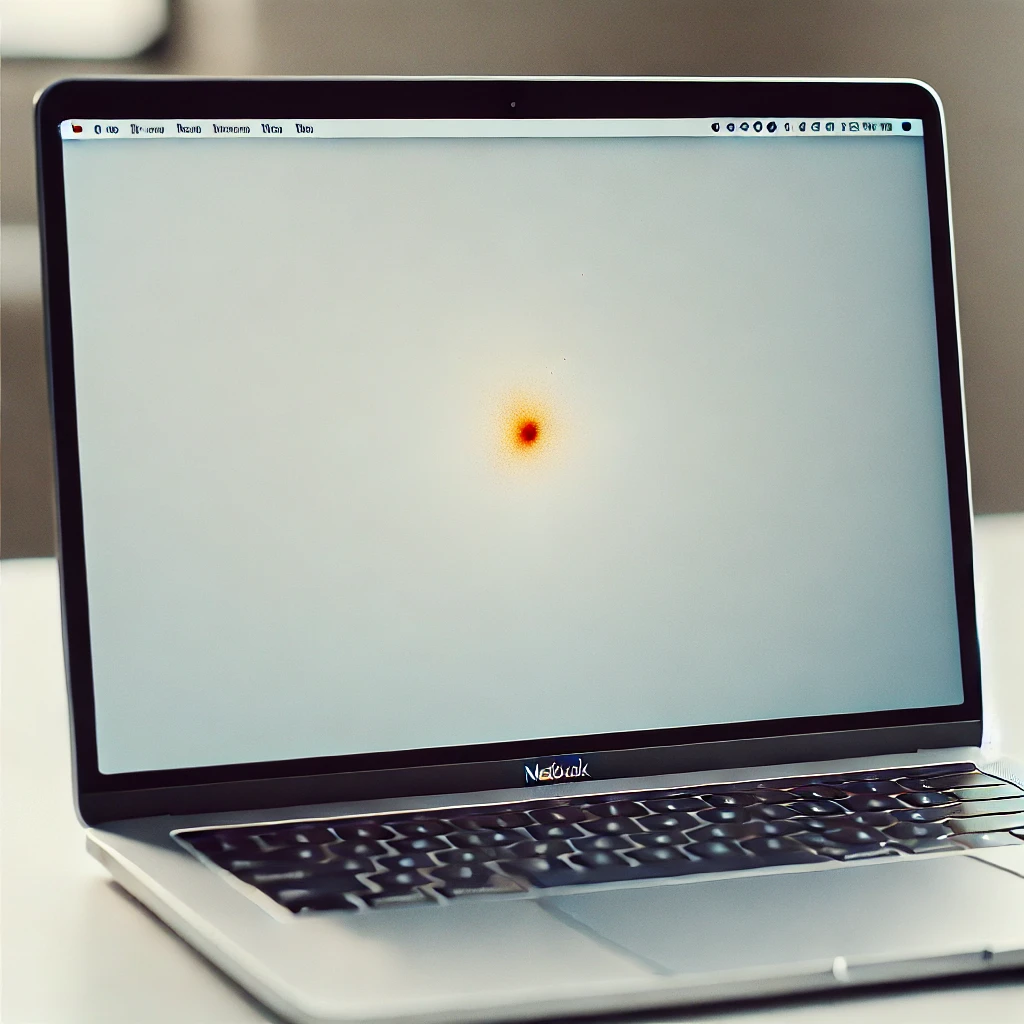
An orange screen is a display error where the MacBook Pro shows a solid or tinted orange color. This can occur during startup, after sleep, or when opening certain applications. If left unresolved, it may impact system stability and performance.
Step One: Basic Troubleshooting Measures
Use these quick steps to address temporary glitches and rule out external device or software issues:
- Restart your MacBook Pro to clear temporary memory and reset display-related processes effectively.
- Disconnect all peripherals, including external monitors, USB devices, and adapters that may trigger display conflicts.
- Boot into Safe Mode to disable third-party extensions and isolate problematic software causing screen discoloration.
Step Two: Software-Level Solutions
If basic steps do not resolve the issue, try the following software solutions.
- Update macOS immediately to ensure compatibility and apply patches that fix known display-related bugs.
- Reset NVRAM and SMC to restore default display settings and power management configurations.
- Reinstall macOS via Recovery Mode if system files are corrupted and affecting screen output.
Step Three: When to Seek Professional Help
If software solutions don’t work, hardware diagnostics may be required to identify and fix internal component failures.
- Visit an Apple-authorized service center for expert inspection of the GPU, logic board, or display connectors.
- Check warranty status and explore Apple Support options for repair or replacement coverage.
Conclusion
Timely troubleshooting preserves device performance, reduces downtime, and ensures your MacBook Pro remains reliable and efficient.